Proven VexaOS module
TouchBoard
The always-on display your team runs the shift from
TouchBoard is the employee-facing display for VexaOS. Mounted in the back of house, the stockroom, or the staff area, it puts the shift on a screen everyone can see — and touch.
Not sold as a standalone app — TouchBoard is a building block VexaOS assembles, extends, and customizes inside the system we design for your operation.
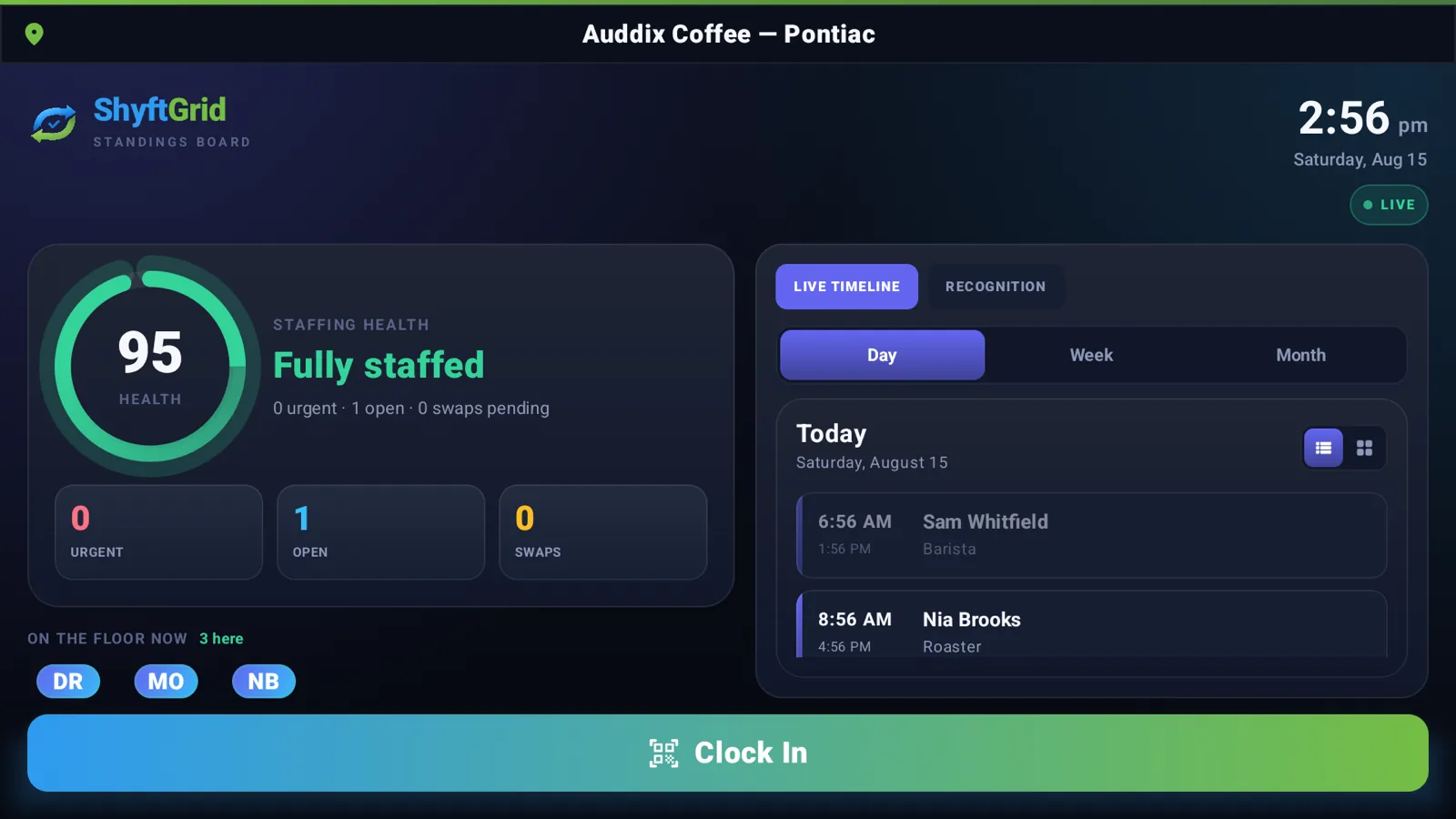
Your team does not read the email.
- Announcements pinned to a corkboard that nobody looks at.
- Today’s schedule printed yesterday and already wrong.
- Task lists that live in a manager’s head.
- Staff pulling out personal phones to check basic operational information.
- No shared, glanceable picture of how the shift is actually going.
The shift, on the wall, always current.
TouchBoard runs a locked-down VexaOS display on commercial touchscreen hardware from 15" to 86". It shows who is on, what needs doing, what was announced, and how the day is tracking — and staff can clock in, claim an open shift, or complete a task by touching the screen.
Surfaces
- Wall-mounted touchscreen, 15"–86"
- Back-of-house and stockroom displays
- Staff room and time-clock stations
- Multi-board deployments per location
What TouchBoard brings to a build.
Live shift board
Who is scheduled, who is clocked in, who is on break, and what is still uncovered.
Touch clock-in
PIN or badge clock-in and clock-out recorded straight into ShyftGrid.
Task & checklist mode
Opening, closing, and prep checklists staff tick off, with timestamps and accountability.
Announcements
Push a message from the control center and it is on every board in every location in seconds.
Operational dashboards
Sales pace, order queue, or stock alerts on screen for the team that can act on them.
Kiosk lockdown
Device-locked display mode with remote configuration and health monitoring.
How it connects.
- Renders ShyftGrid schedules, open shifts, and clock-in directly.
- Surfaces Inventory Ops low-stock and receiving alerts to the floor.
- Displays Commerce Ops order queues and daily sales pace.
- Registered as a managed device in the VexaOS device registry.
- Content and permissions controlled centrally per location.
Powers these systems
The same board, on the wall.
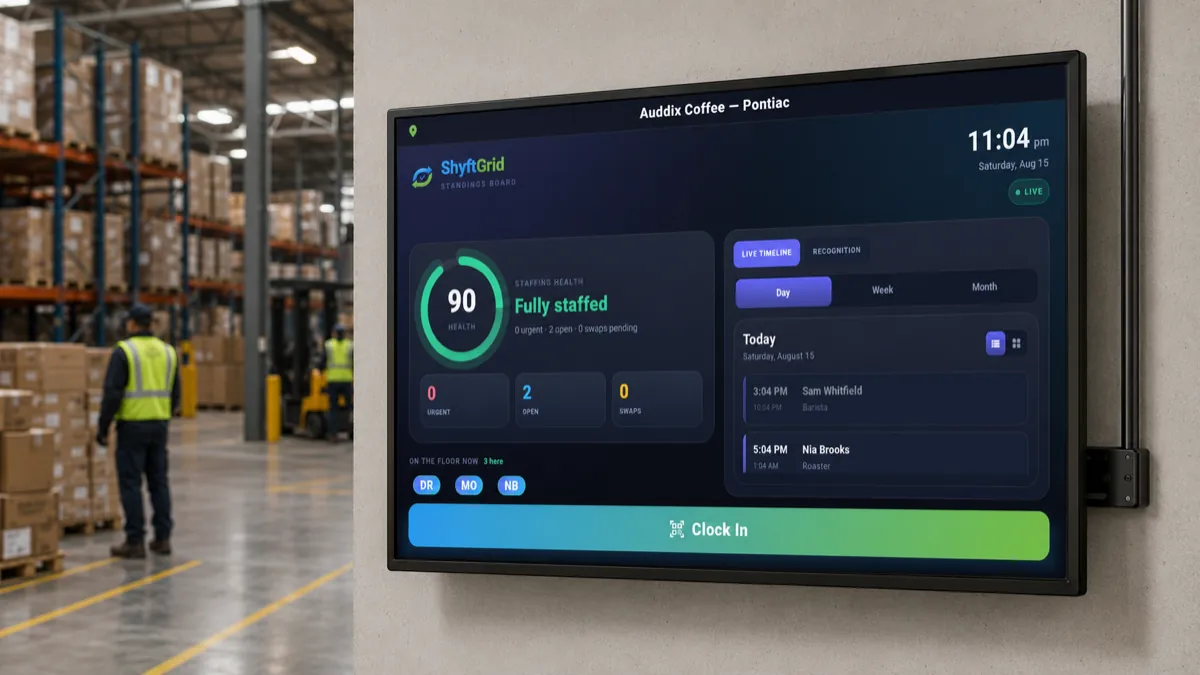
Wall-mounted board
Running Workforce Wall Board
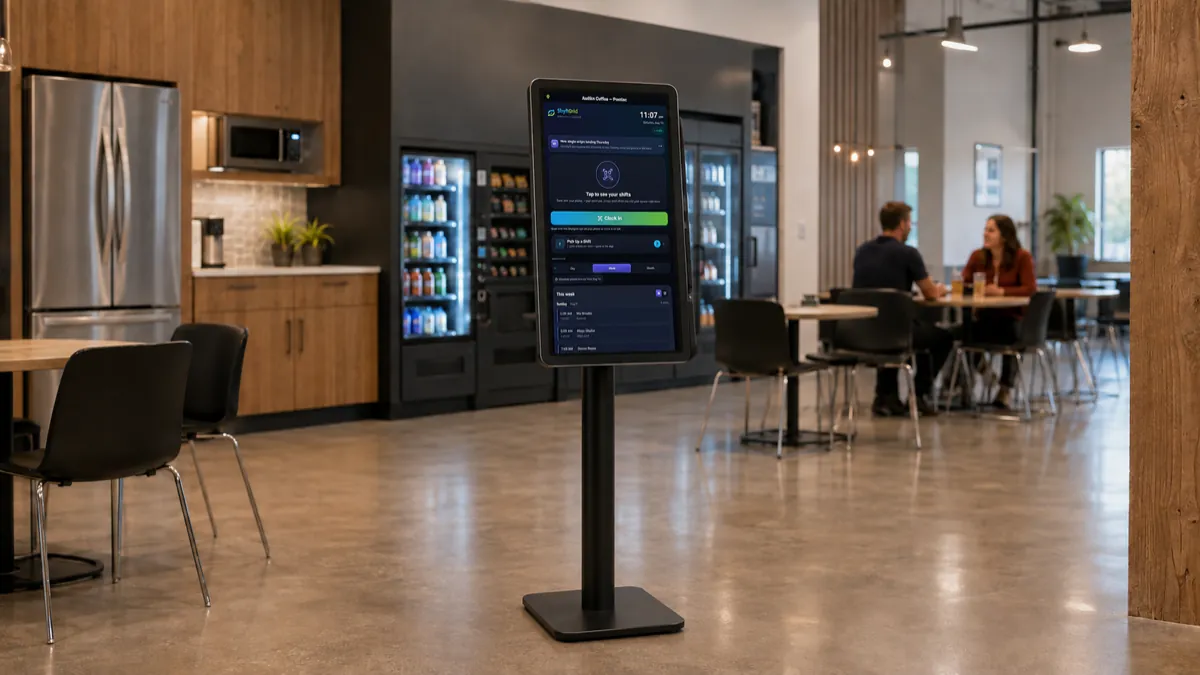
Freestanding floor kiosk
Running Employee Control Center
The rest of the toolkit.
- ShyftGridScheduling, shifts, time and labor cost
- Commerce OpsOrders, payments, customers and loyalty
- VexaFrontThe configurable customer-facing platform
- Inventory OpsStock, suppliers, costing and waste
- Facility OpsEnvironmental monitoring and control
- InspectionsRounds, checklists and evidence on the record
Proven architecture. Custom implementation.
Tell us how your business operates. We’ll design the system — using TouchBoard where it fits, and building what it doesn’t cover.