VexaFront
The configurable customer-facing platform
VexaFront is the customer-facing surface of VexaOS: a single platform you configure rather than a fixed-purpose kiosk. Reception and check-in ships today; self-order, checkout, booking, and queue are modes of the same platform, running on the same data and the same devices.
A kiosk that does one thing is a kiosk you replace.
- Vendors sell you an ordering kiosk, then a separate check-in tablet, then a separate queue screen.
- Each one arrives with its own customer database and its own admin login.
- The workflow you actually need sits between two products and belongs to neither.
- When the business changes, the hardware is wrong — not just the configuration.
- A front of house that makes the business feel smaller than it is.
One platform. Pick the mode. Change it later.
VexaFront runs one codebase on one device registry, and you choose what a given screen does. Put it on the wall as reception, on the counter as self-order, in the lobby as a queue display — or change a location from one to another without new hardware, a new vendor, or a second customer record.
Where it runs
- Countertop kiosks, 15"–27"
- Freestanding and wall-mounted kiosks, 32"–43"
- Customer-facing displays and digital signage
- Queue and status screens
Device software
$49 per device / month
$39/device/mo with VexaOS Complete. Hardware sold separately.
Full pricingOne platform. Pick the mode.
Every mode below is the same VexaFront platform, the same data, and the same managed devices — not separate products you buy and integrate.
Reception & check-in
Visitor check-in, a searchable staff and service directory, digital badge issue, and appointment bookings — captured straight into the shared VexaOS customer record.
Self-order
Browse, customize, and pay without waiting for staff, with the same catalog Commerce Ops sells from at the counter.
Checkout
Customer-facing payment, tipping, and receipt capture, reconciled through Commerce Ops like every other channel.
Booking
Pick a service, a provider, and a time on-screen, written straight to the live calendar ShyftGrid staffs.
Queue
Ticketing, waitlists, and order-ready displays that keep a lobby or a dining room moving without anyone calling names.
Change a screen from one mode to another from the control center. No new hardware, no second vendor, no duplicate customer record.
What VexaFront does.
Built for operators who need the detail to hold up on a busy day, not just in a demo.
Mode configuration
Choose what each screen does from the control center, and change it later without touching the hardware.
Visitor check-in & directory
Self check-in, a searchable directory, and digital badges — the reception mode, shipping today.
Bookings
Appointments taken on-screen against the same live calendar your staff are scheduled on.
Self-service transactions
Ordering, checkout, tipping, and receipts running on the shared Commerce Ops catalog.
Queue & status
Waitlists, ticketing, and order-ready displays for the lobby, counter, or floor.
Branded experience
Your logo, colors, imagery, and language — the screen looks like your business, not ours.
How VexaFront connects to the rest.
VexaFront is not integrated with the other VexaOS products — it is built on the same platform. There is no sync job, no connector, and no second copy of your data.
- Creates or matches the shared VexaOS customer record at check-in — one customer, not one per screen.
- Sends every order and payment through Commerce Ops.
- Books against the same calendar ShyftGrid staffs.
- Checks live availability from Inventory Ops before offering an item.
- Enrolled and mode-switched remotely through the VexaOS device registry.
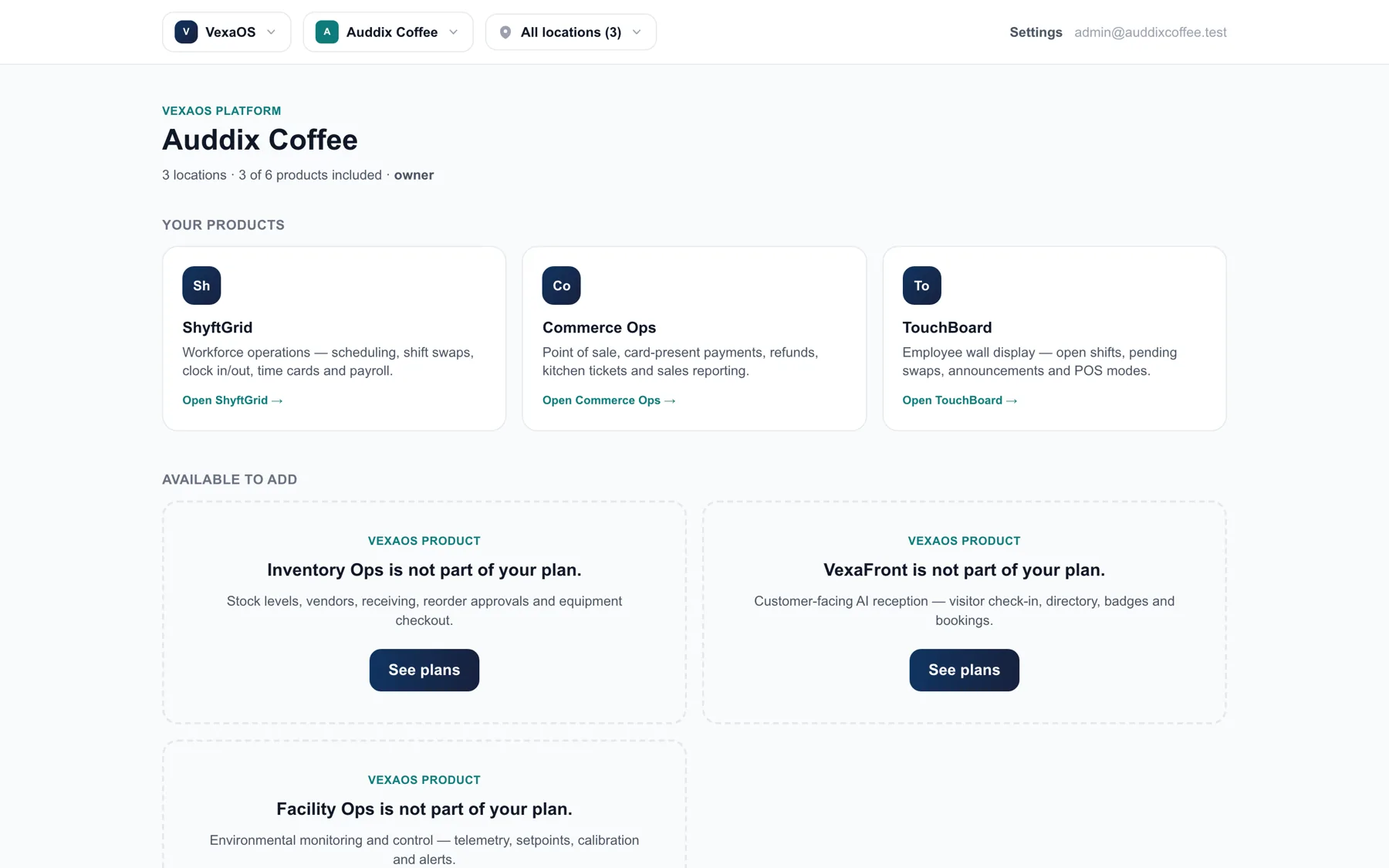
Where VexaFront fits.
Configured per vertical, so the workflow matches the business rather than the other way around.
Restaurants & Cafés
Self-order at the front, live prep in the back, labor and food cost in the same report.
Barbershops & Salons
Check-in, stylist selection, retail, and commission — without a front-desk bottleneck.
Retail
One catalog across floor, kiosk, and online, with stock that stays honest.
Gyms & Fitness
Member check-in, class booking, trainer schedules, and retail on one platform.
Auto Service
Service intake, parts, technician hours, and status updates the customer can see.
Hotels & Hospitality
Front-desk relief, housekeeping coordination, amenity ordering, and supply control.
Clinics & Med Spas
Patient check-in, intake forms, provider scheduling, and consumable tracking.
What else runs on VexaOS.
ShyftGrid
Scheduling, shifts, time and labor cost
ExploreTouchBoard
The always-on display your team runs the shift from
ExploreCommerce Ops
Orders, payments, customers and loyalty
ExploreInventory Ops
Stock, suppliers, costing and waste
ExploreFacility Ops
Environmental monitoring and control
ExploreInspections
Rounds, checklists and evidence on the record
ExploreSee VexaFront against your operation.
A working walkthrough with your locations, your roles, and your numbers — not a generic demo account.