TouchBoard
The always-on display your team runs the shift from
TouchBoard is the employee-facing display for VexaOS. Mounted in the back of house, the stockroom, or the staff area, it puts the shift on a screen everyone can see — and touch.
Your team does not read the email.
- Announcements pinned to a corkboard that nobody looks at.
- Today’s schedule printed yesterday and already wrong.
- Task lists that live in a manager’s head.
- Staff pulling out personal phones to check basic operational information.
- No shared, glanceable picture of how the shift is actually going.
The shift, on the wall, always current.
TouchBoard runs a locked-down VexaOS display on commercial touchscreen hardware from 15" to 86". It shows who is on, what needs doing, what was announced, and how the day is tracking — and staff can clock in, claim an open shift, or complete a task by touching the screen.
Where it runs
- Wall-mounted touchscreen, 15"–86"
- Back-of-house and stockroom displays
- Staff room and time-clock stations
- Multi-board deployments per location
Device software
$29 per device / month
VexaOS Complete includes 1 TouchBoard license per location; additional boards $19/device/mo. Hardware sold separately.
Full pricing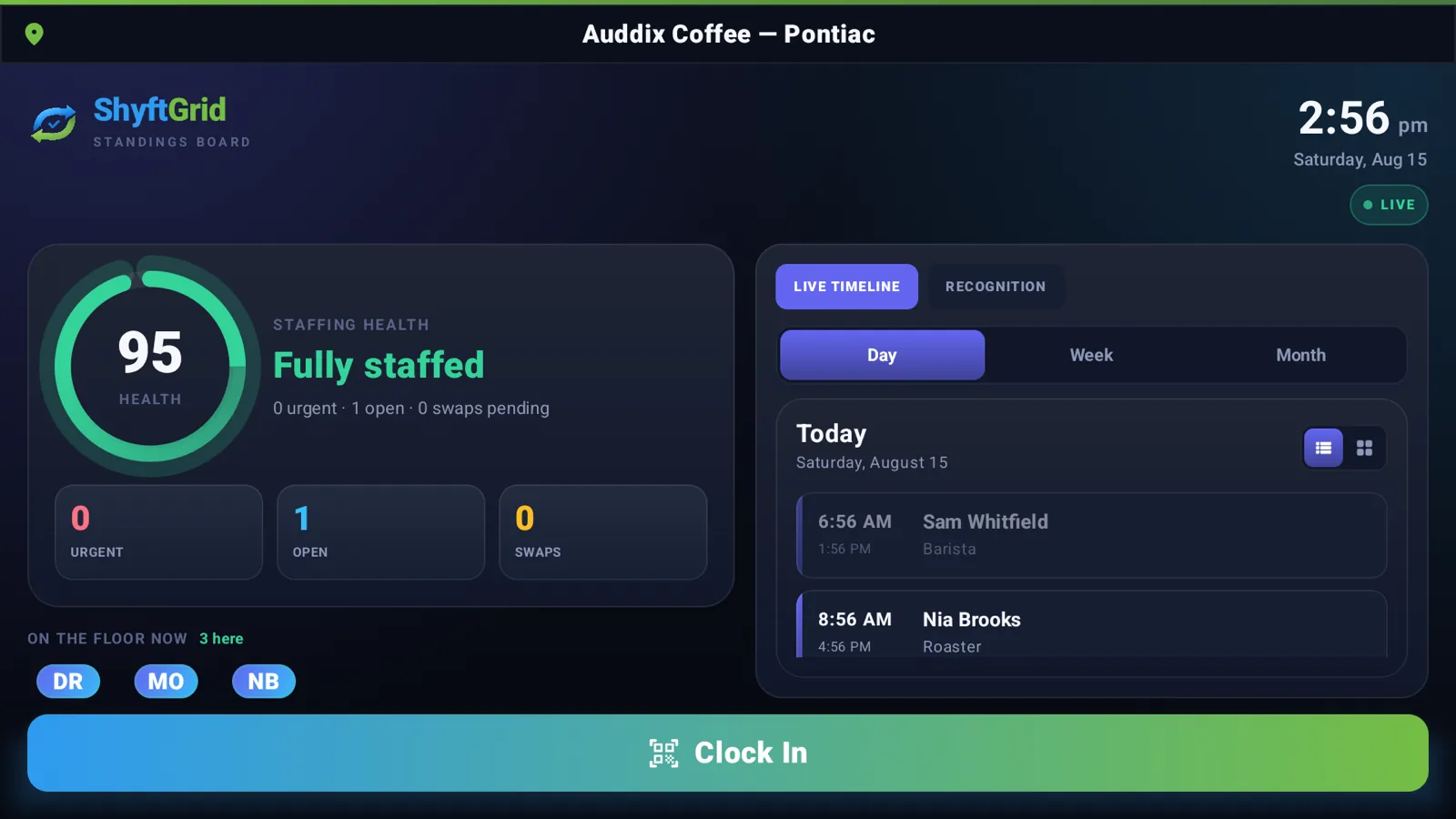
What TouchBoard does.
Built for operators who need the detail to hold up on a busy day, not just in a demo.
Live shift board
Who is scheduled, who is clocked in, who is on break, and what is still uncovered.
Touch clock-in
PIN or badge clock-in and clock-out recorded straight into ShyftGrid.
Task & checklist mode
Opening, closing, and prep checklists staff tick off, with timestamps and accountability.
Announcements
Push a message from the control center and it is on every board in every location in seconds.
Operational dashboards
Sales pace, order queue, or stock alerts on screen for the team that can act on them.
Kiosk lockdown
Device-locked display mode with remote configuration and health monitoring.
The board itself.
A commercial-grade panel on a wall mount or a rolling floor stand — this is the unit the software above runs on.
Want to see the software working, not just the box?
We rebuilt the real Android board so you can drive it in your browser. Switch between the device modes one board can run, drill into the wall's detail screens, and watch it heal itself back Home. The real interface on mock data — no sign-up, and nothing leaves your browser.
- Six real device modes, using the app’s own labels
- The flagship Standings Board and its read-only drill-ins
- Clock-in shows a QR, exactly as the real board does
One board, three form factors
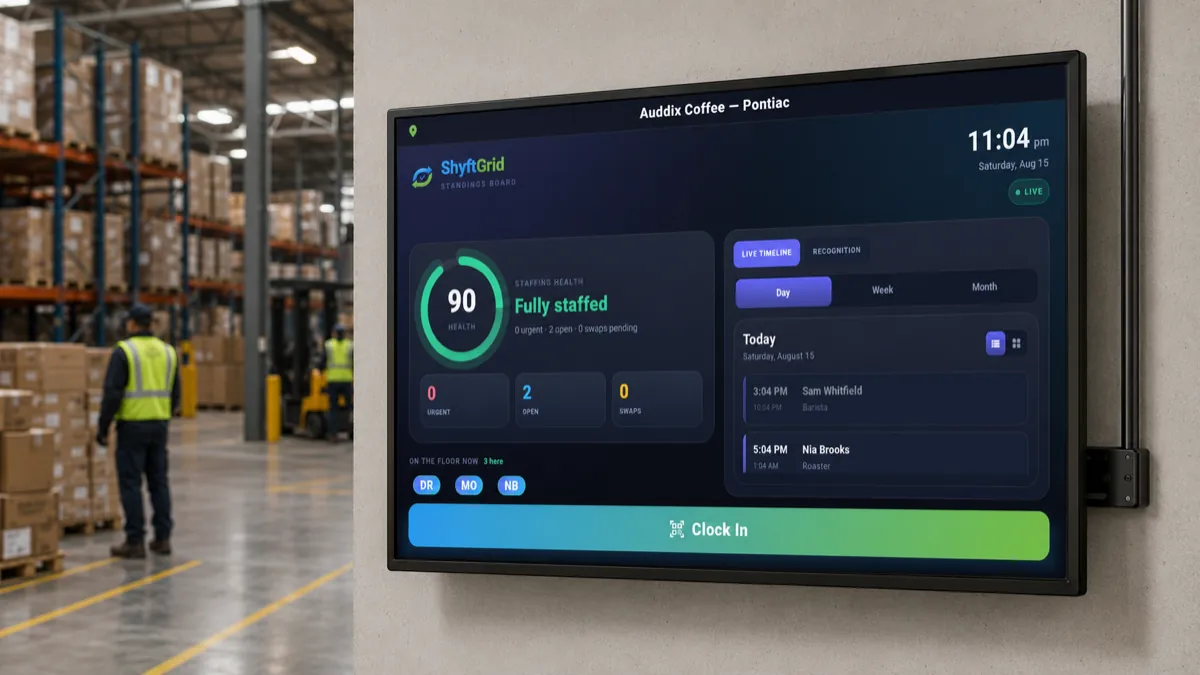
Wall-mounted board
Running Workforce Wall Board
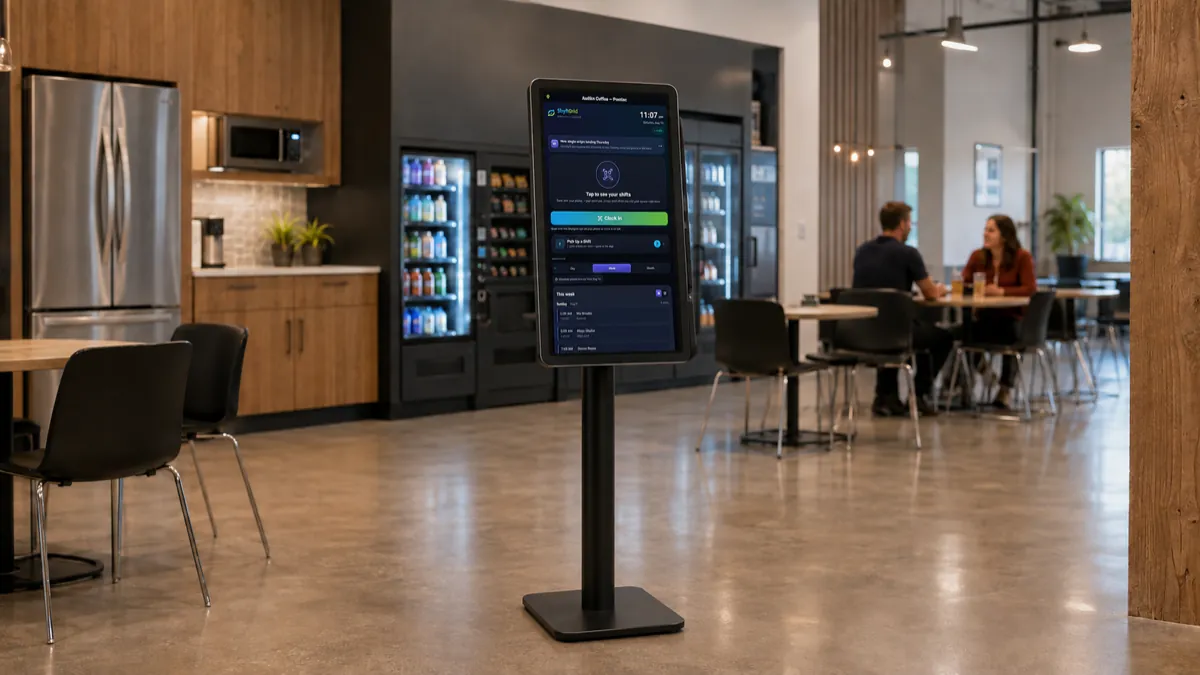
Freestanding floor kiosk
Running Employee Control Center
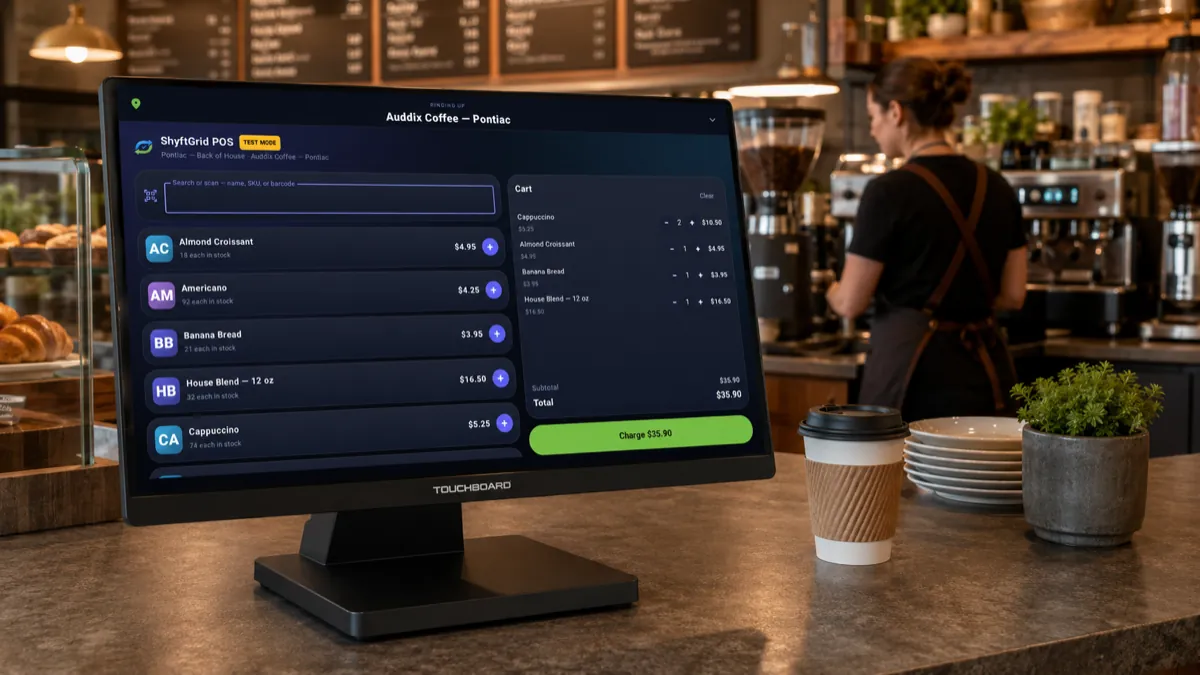
Counter station
Running POS Checkout Station
How TouchBoard connects to the rest.
TouchBoard is not integrated with the other VexaOS products — it is built on the same platform. There is no sync job, no connector, and no second copy of your data.
- Renders ShyftGrid schedules, open shifts, and clock-in directly.
- Surfaces Inventory Ops low-stock and receiving alerts to the floor.
- Displays Commerce Ops order queues and daily sales pace.
- Registered as a managed device in the VexaOS device registry.
- Content and permissions controlled centrally per location.
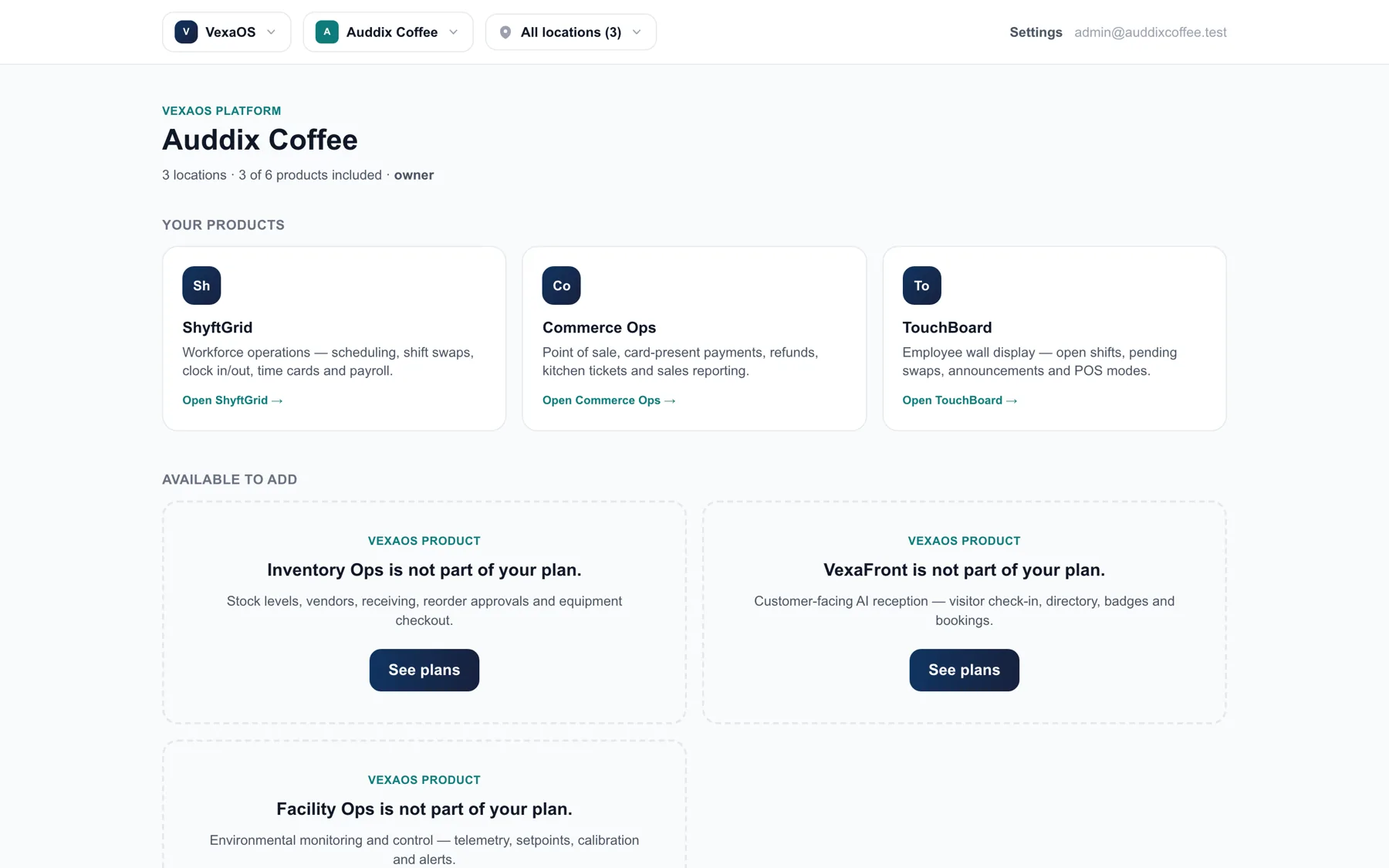
Where TouchBoard fits.
Configured per vertical, so the workflow matches the business rather than the other way around.
Restaurants & Cafés
Self-order at the front, live prep in the back, labor and food cost in the same report.
Retail
One catalog across floor, kiosk, and online, with stock that stays honest.
Gyms & Fitness
Member check-in, class booking, trainer schedules, and retail on one platform.
Hotels & Hospitality
Front-desk relief, housekeeping coordination, amenity ordering, and supply control.
Auto Service
Service intake, parts, technician hours, and status updates the customer can see.
Barbershops & Salons
Check-in, stylist selection, retail, and commission — without a front-desk bottleneck.
Clinics & Med Spas
Patient check-in, intake forms, provider scheduling, and consumable tracking.
Field & Multi-Site Service
Dispatch, crew scheduling, van stock, and proof of work across every site.
What else runs on VexaOS.
ShyftGrid
Scheduling, shifts, time and labor cost
ExploreCommerce Ops
Orders, payments, customers and loyalty
ExploreVexaFront
The configurable customer-facing platform
ExploreInventory Ops
Stock, suppliers, costing and waste
ExploreFacility Ops
Environmental monitoring and control
ExploreInspections
Rounds, checklists and evidence on the record
ExploreSee TouchBoard against your operation.
A working walkthrough with your locations, your roles, and your numbers — not a generic demo account.